Multi Tool

One home for every tool and website I have built. Every link is live and free - open it in any browser, on phone or PC.

11 live web tools Free, no sign-up Works on Android

Web tools

PDF Editor and Everyday Tools

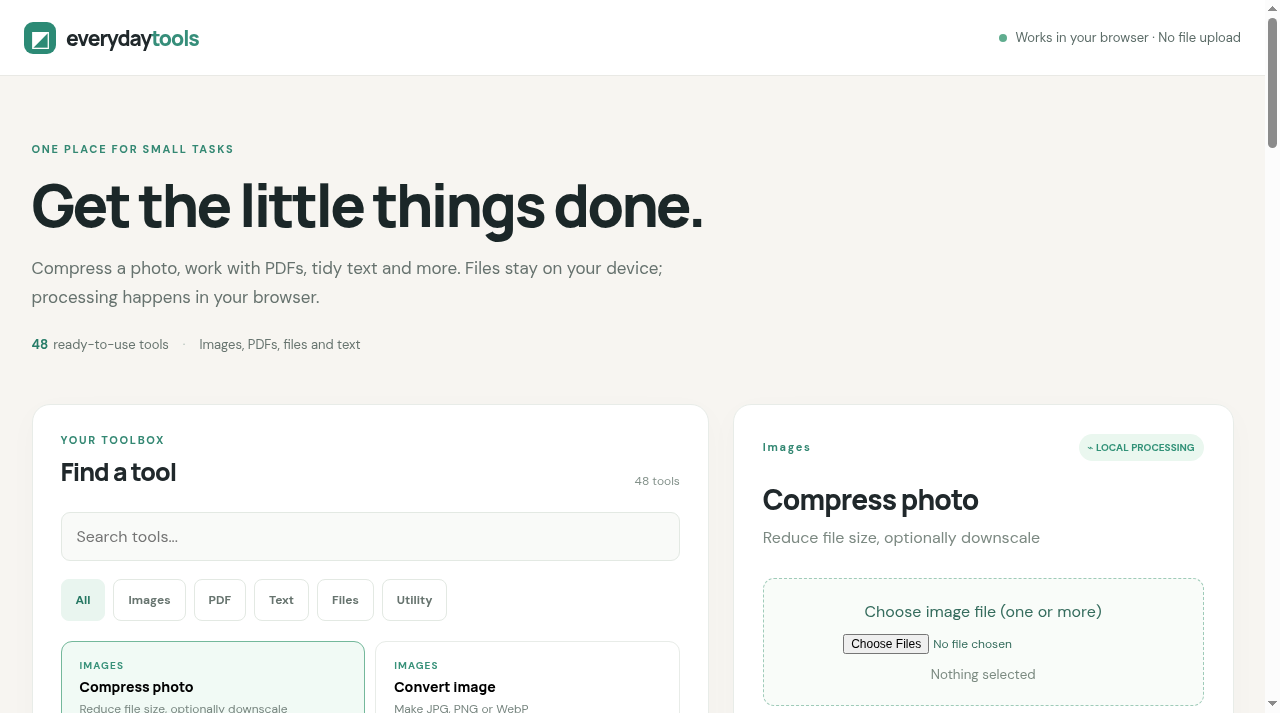
PDF Editor & Everyday Tools

48 tools: compress photo to a target KB, convert images, image↔PDF, merge/split PDF, edit PDF text, resize, text tools, batch rename, ZIP, color converter.
How to use: open the link, pick a tool, choose files, download. Shows original size, new size and % saved. Files stay on your device.
Open tool
Documents and Projects Creator

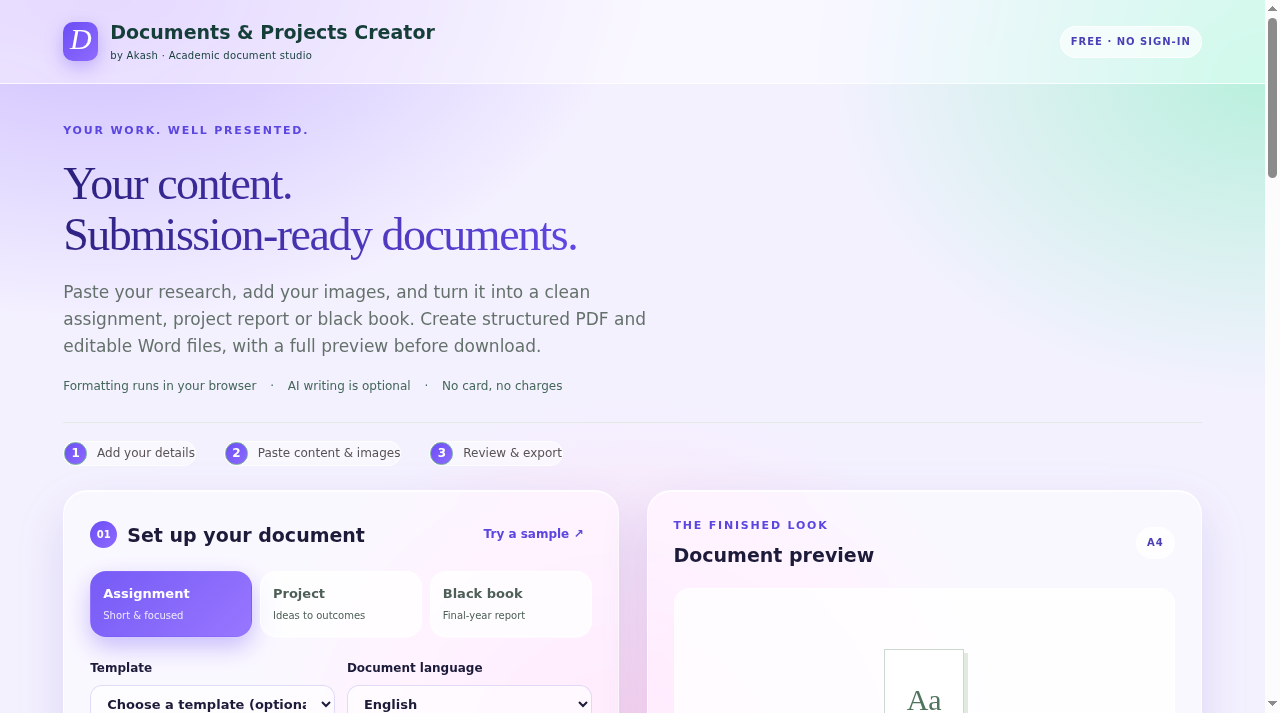
Documents & Projects Creator

Turn your content into a submission-ready assignment, project report or black book. Export as PDF or Word.
How to use: pick a template, paste your content, preview, export. Free, no sign-in.
Open tool
LinuxLab Terminal

LinuxLab Terminal

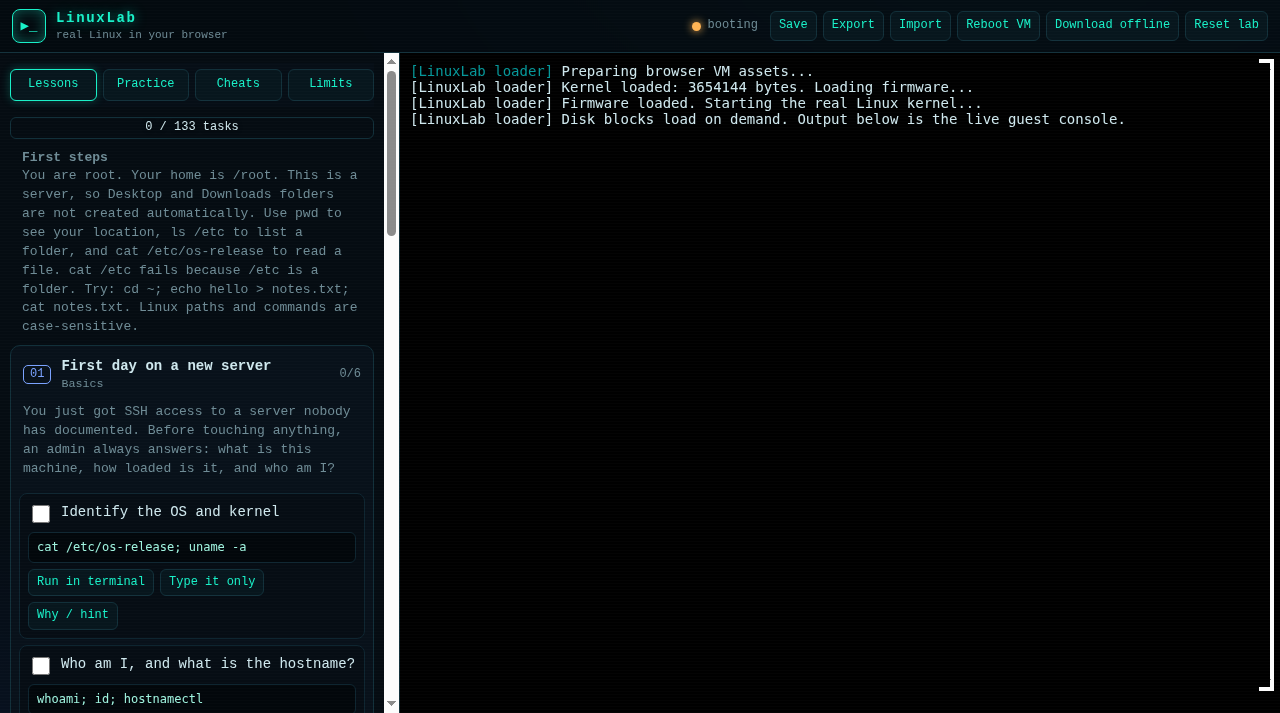
A real Linux kernel in your browser with 133 guided tasks: users, files, logs, networking, services, SSH, LVM, cron.
How to use: open the link and start the first task. Great for Linux interview prep - no install, works on phone too.
Open tool
InstaPocket

InstaPocket

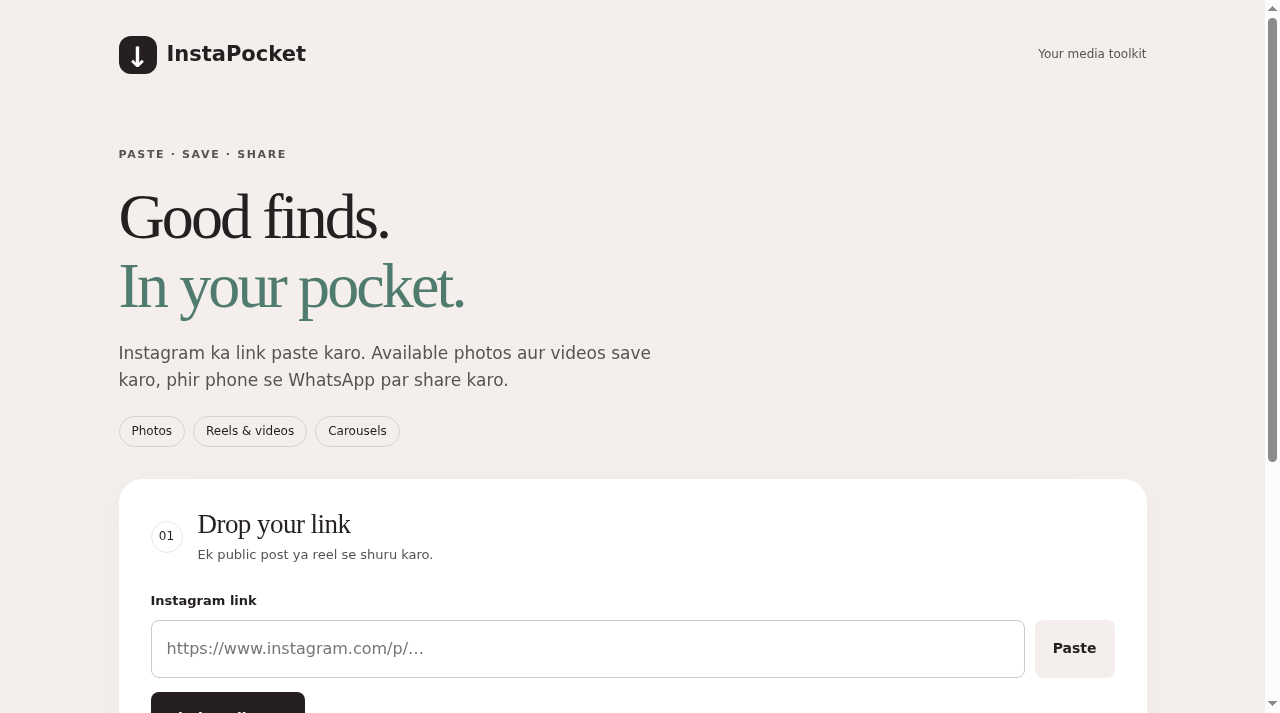
Paste a public Instagram link (post, reel, carousel) and save the photos/videos.
How to use: copy the Instagram link, paste it here, save the media, share to WhatsApp.
Open tool
Frame Jigsaw puzzle game

Frame Jigsaw

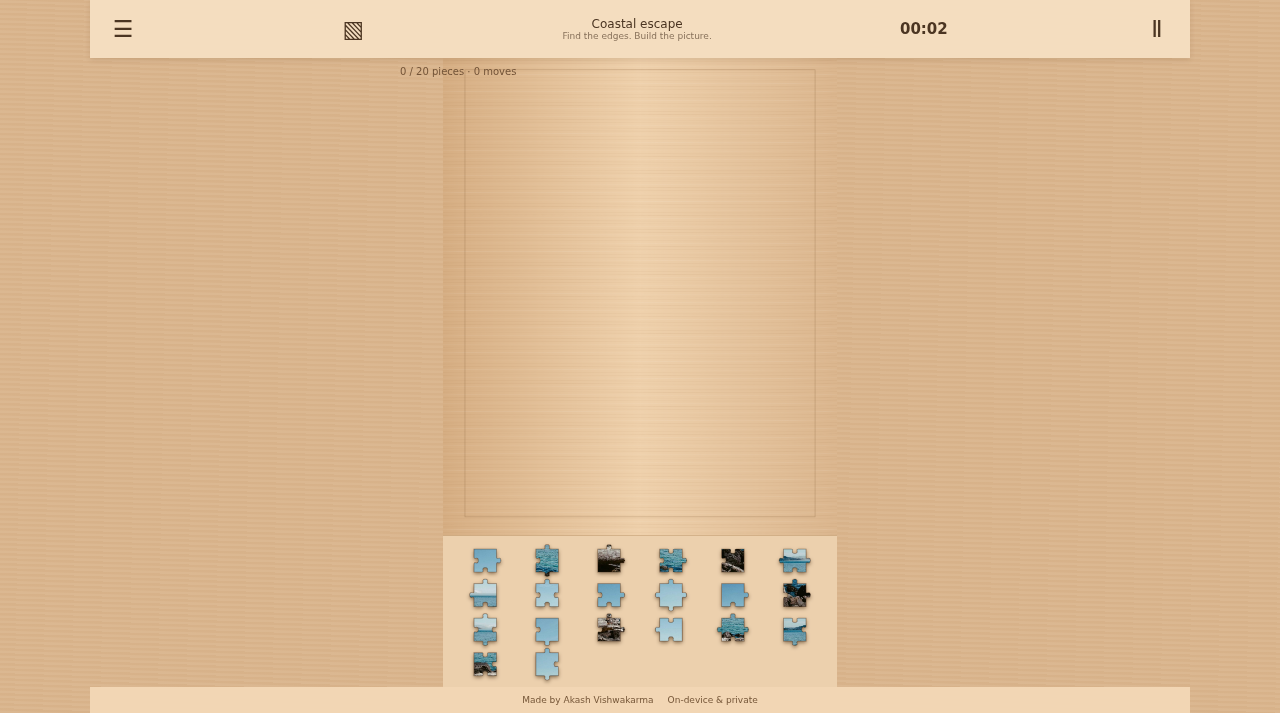
Upload any photo and solve it as a jigsaw puzzle. Timer, move counter, works offline.
How to use: open the link, upload a photo, drag the pieces. Photos stay on your device.
Play now
CommandDeck Linux reference

CommandDeck

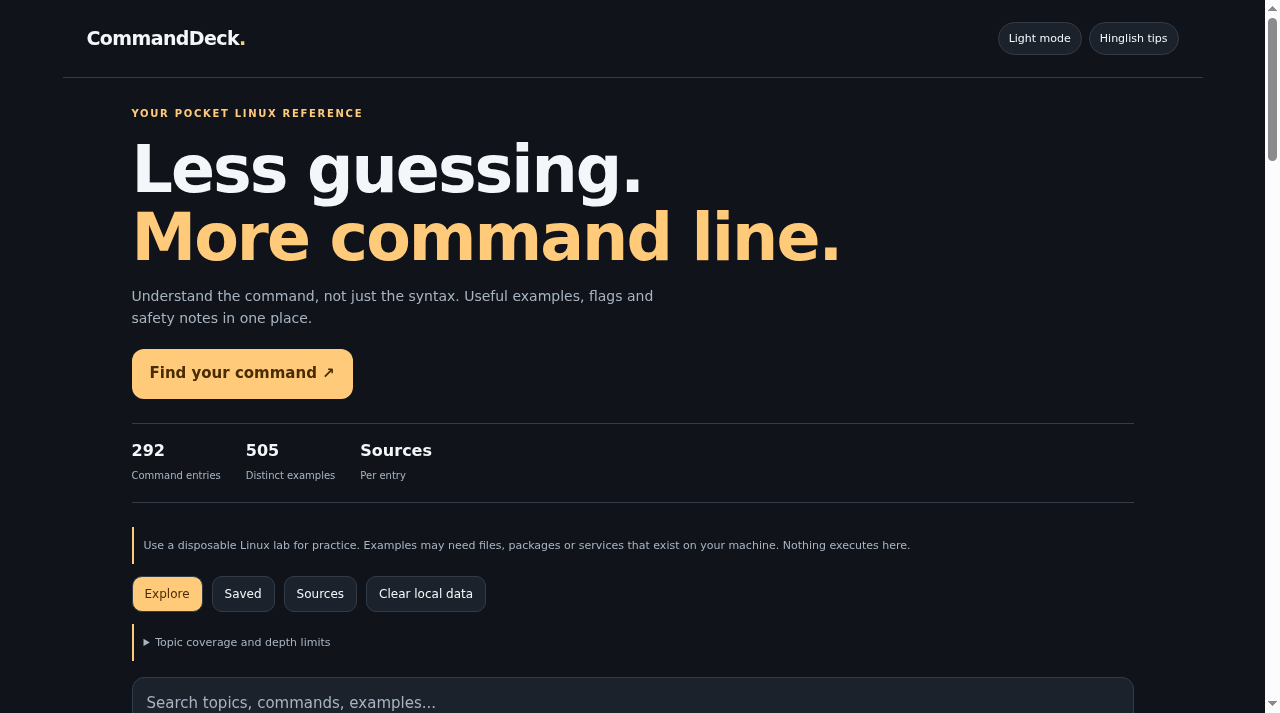
292 Linux commands with 505 verified examples, flags and safety notes.
How to use: search a command or topic, read the examples, save favorites. Hinglish tips included.
Open tool
LinuxReady interview prep

LinuxReady

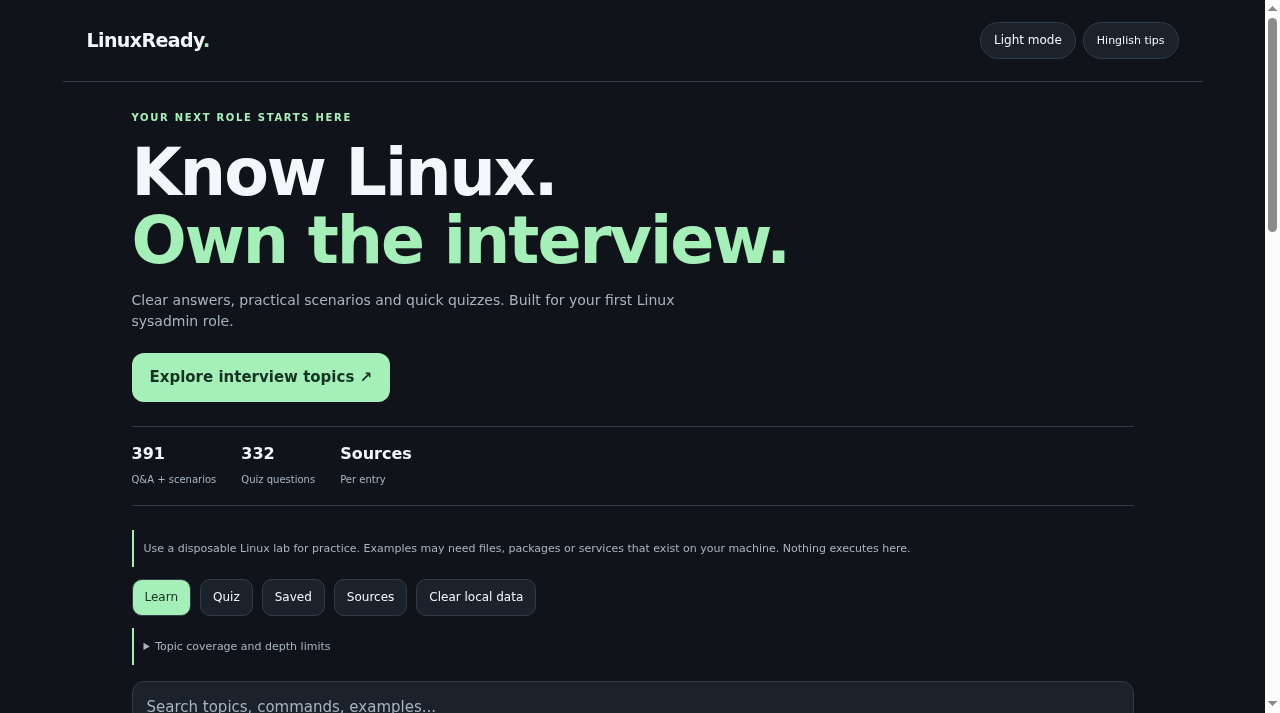
Linux interview prep: 391 Q&A and scenarios plus 332 quiz questions, built for a first sysadmin role.
How to use: open a topic, read the answers, then test yourself with the quiz.
Open tool
FreeShelf free resources directory

FreeShelf

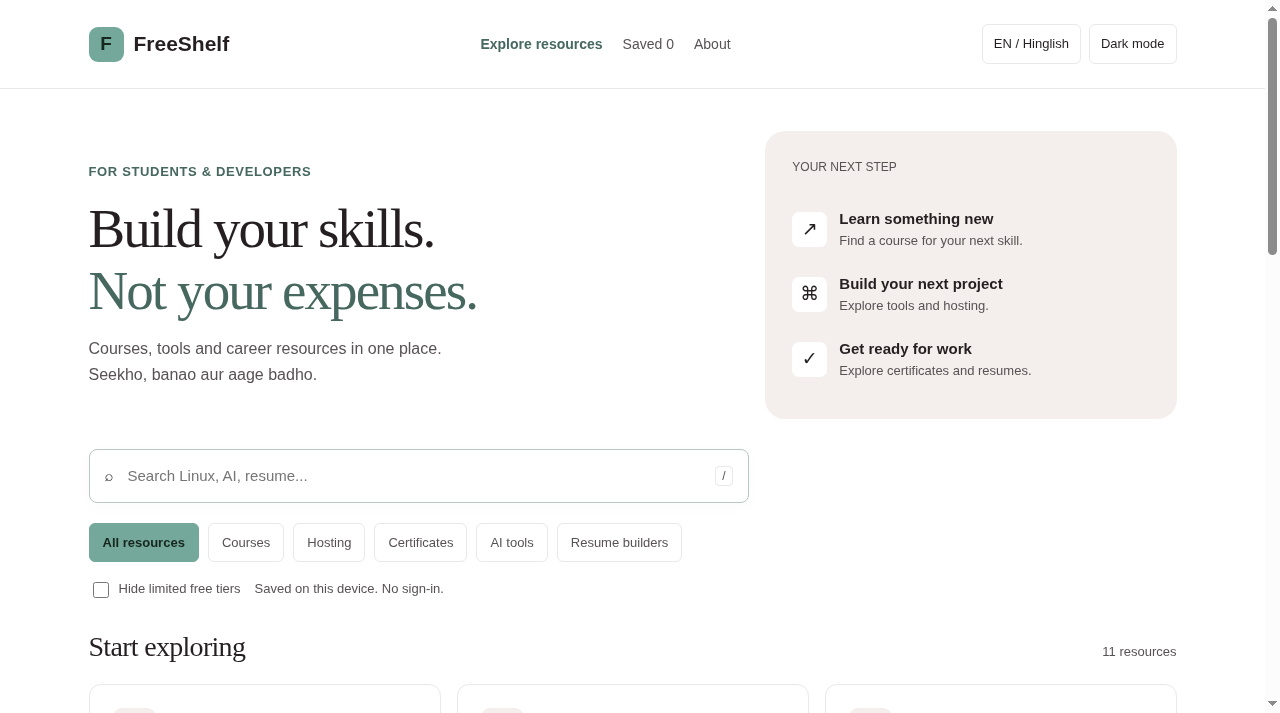
A directory of genuinely free resources: courses, hosting, certificates, AI tools, resume builders, dev utilities.
How to use: browse by category or search. EN/Hinglish, dark mode.
Open tool
P Tracker

P Tracker

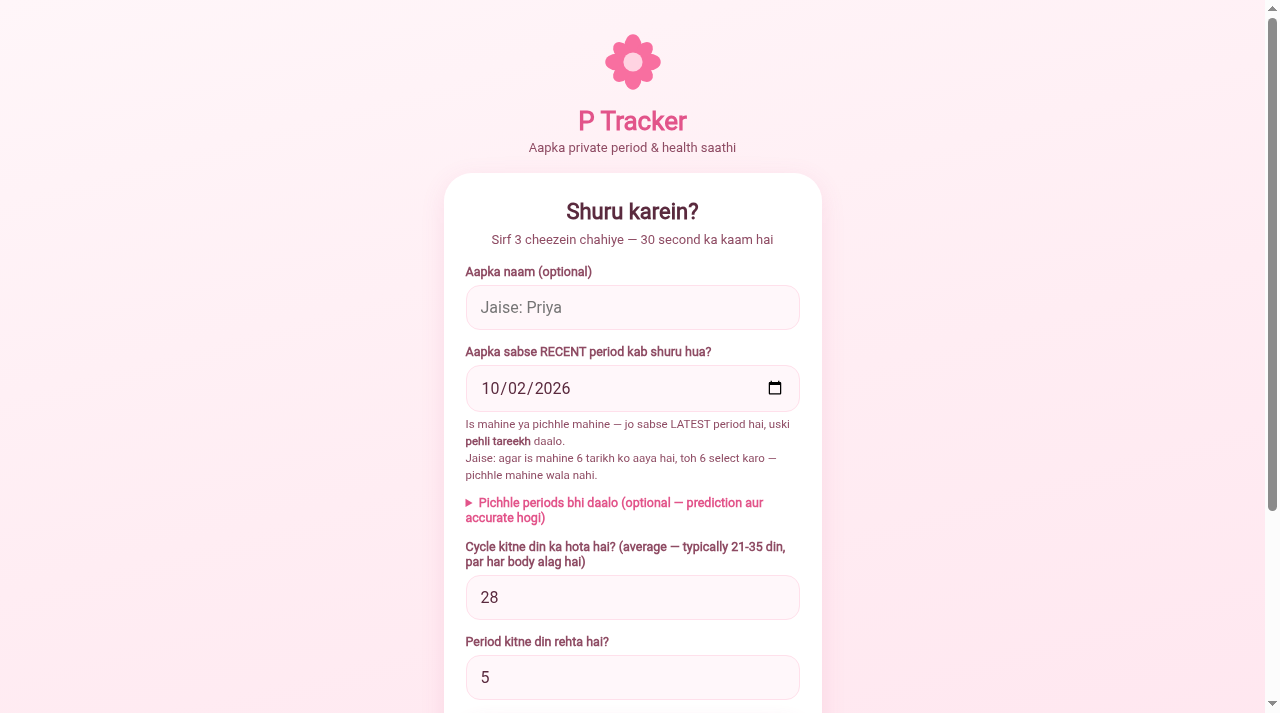
Private period and health tracker for girls: cycle predictions, tips, PIN lock.
How to use: open the link and answer 3 questions. All data stays on your device - nothing is uploaded.
Open tool
Billing Studio

Billing Studio

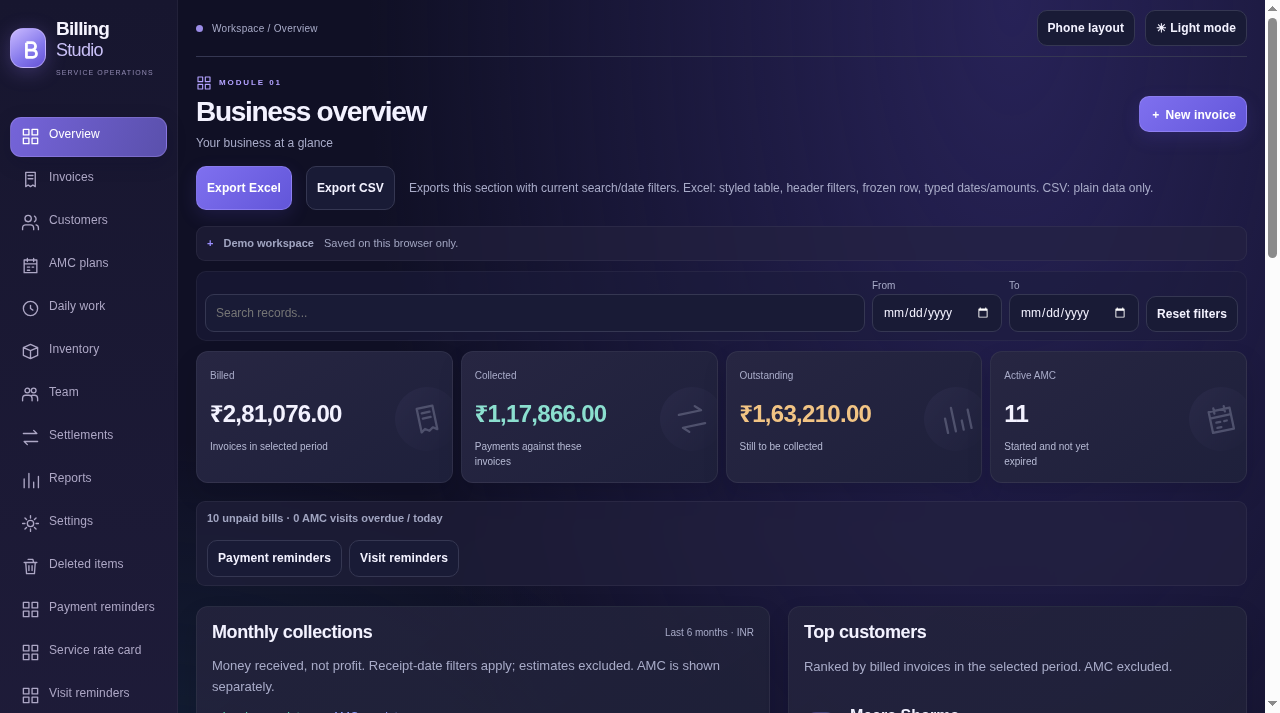
A full billing workspace in the browser: invoices, customers, AMC plans, inventory, daily logs, reports, Excel/CSV export.
How to use: open the link and try the demo workspace. Data stays in your browser - use the built-in backup to move devices.
Open tool
KaamLedger worker manager

KaamLedger

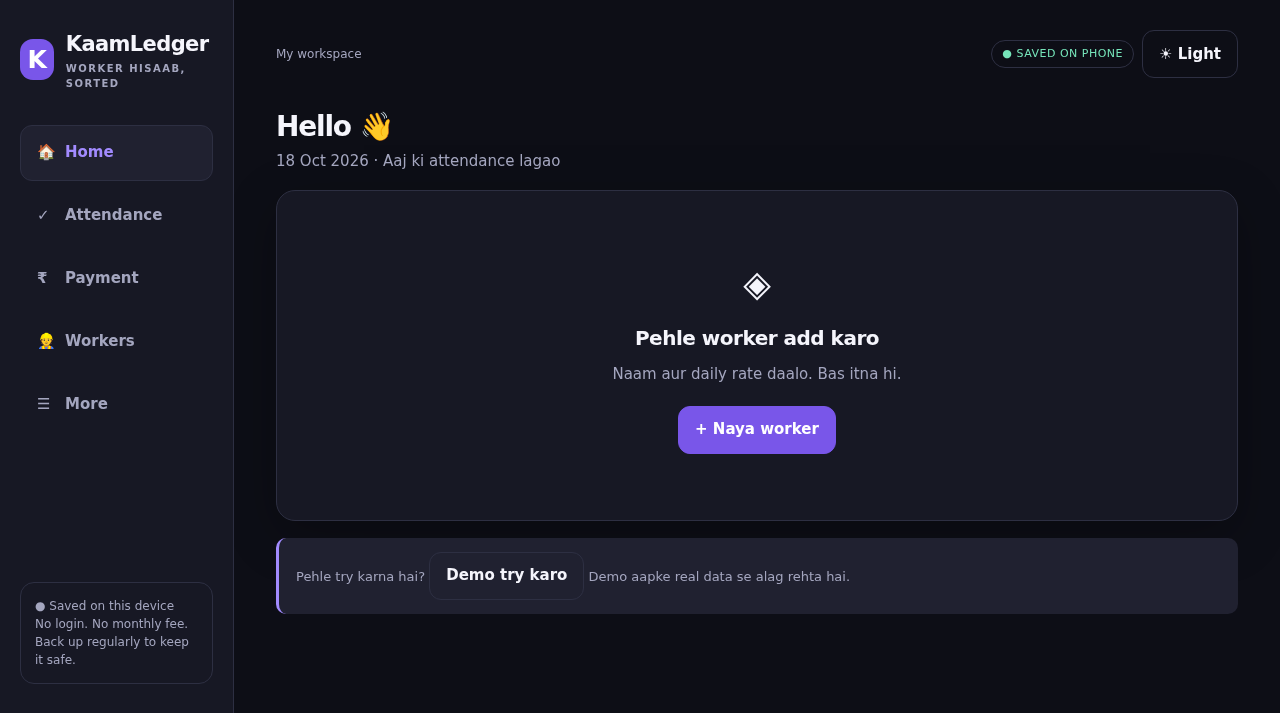
Worker hisaab made simple: attendance, daily wages, advances and payments. Phone-first, works offline.

How to use: open the link, add a worker with name and daily rate, mark attendance. Data stays on your device.
Open tool

Android apps

AppWhat it doesRepo (APK + guide)
Linux AppLearn Linux on the phone: commands, lessons, quizzeslinux-app
DJ Booking ManagerBooking manager for a DJ business: events, clients, paymentsdj-booking-manager-app
Lecture RecorderOffline screen + audio recorder for lectures (Android 10+)lecture-recorder-app
Duplicate File RemoverFinds exact duplicate files on the phoneandroid-duplicate-file-remover

Websites

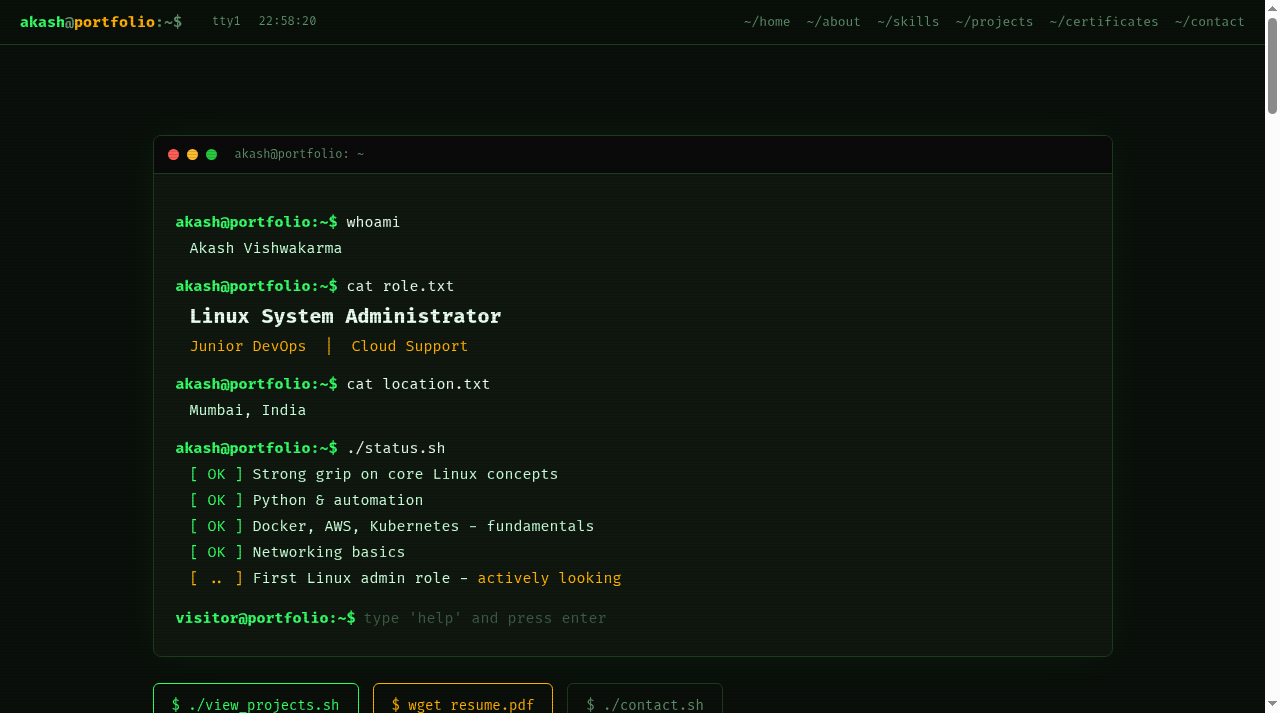
Portfolio website

My portfolio

Terminal-style personal site with my projects and certificates.

Visit
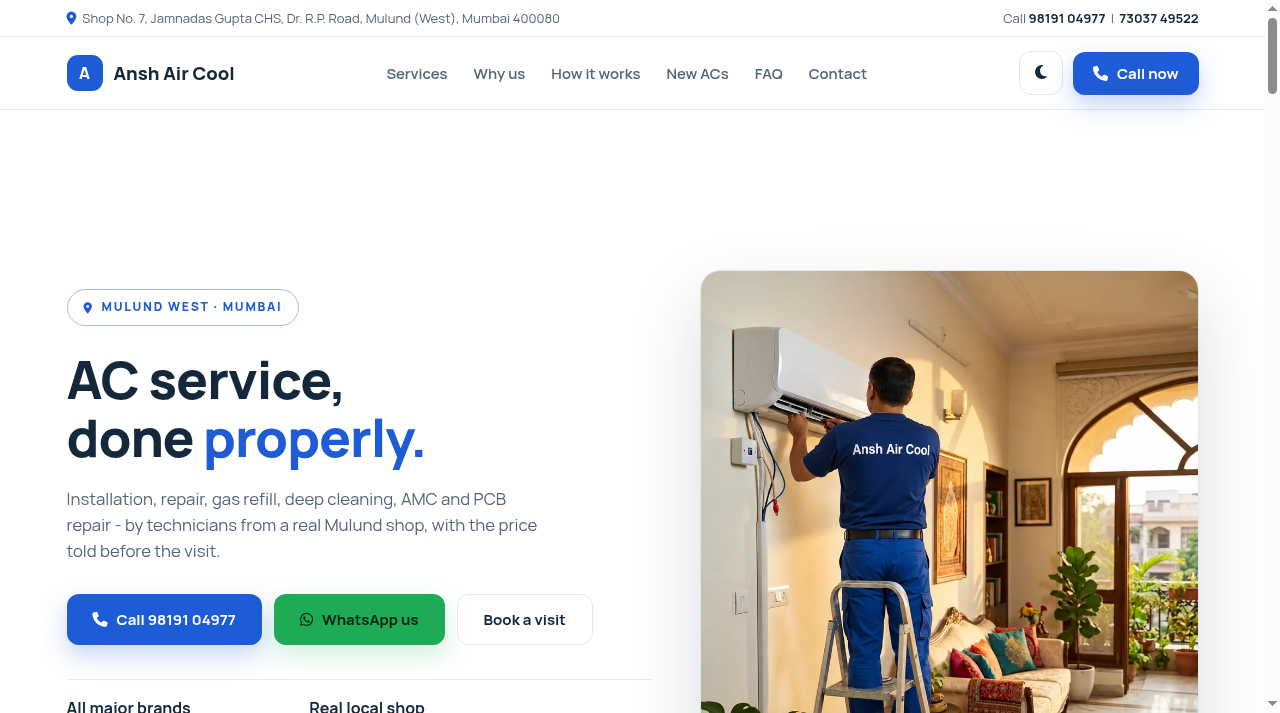
Ansh Air Cool website

Ansh Air Cool

AC service business website: services, pricing, booking.

Visit
On Android: open any link in Chrome. To keep a tool on your home screen, use Chrome menu (⋮) > Add to Home screen.
Tools that say "data stays on device" run fully in your browser - your files are not uploaded anywhere.